
WoodPRO Essentials
AutoCAD Template and Annotative Toolset for Faster, More Efficient Millwork Design, Planning & Production
Drafting Tools that Speak Millwork
Most CAD templates weren’t built for this trade, so we built our own.
WoodPRO Essentials gives millwork drafters, cabinetmakers, and shop teams a better starting point:
• Clean, customizable templates that don’t fight you
• Training that skips the AutoCAD rabbit holes
• Real-world tools made for real shop drawings
Whether you’re just starting or tightening up your process, we’re here to help you draft faster, smarter, and with more confidence.
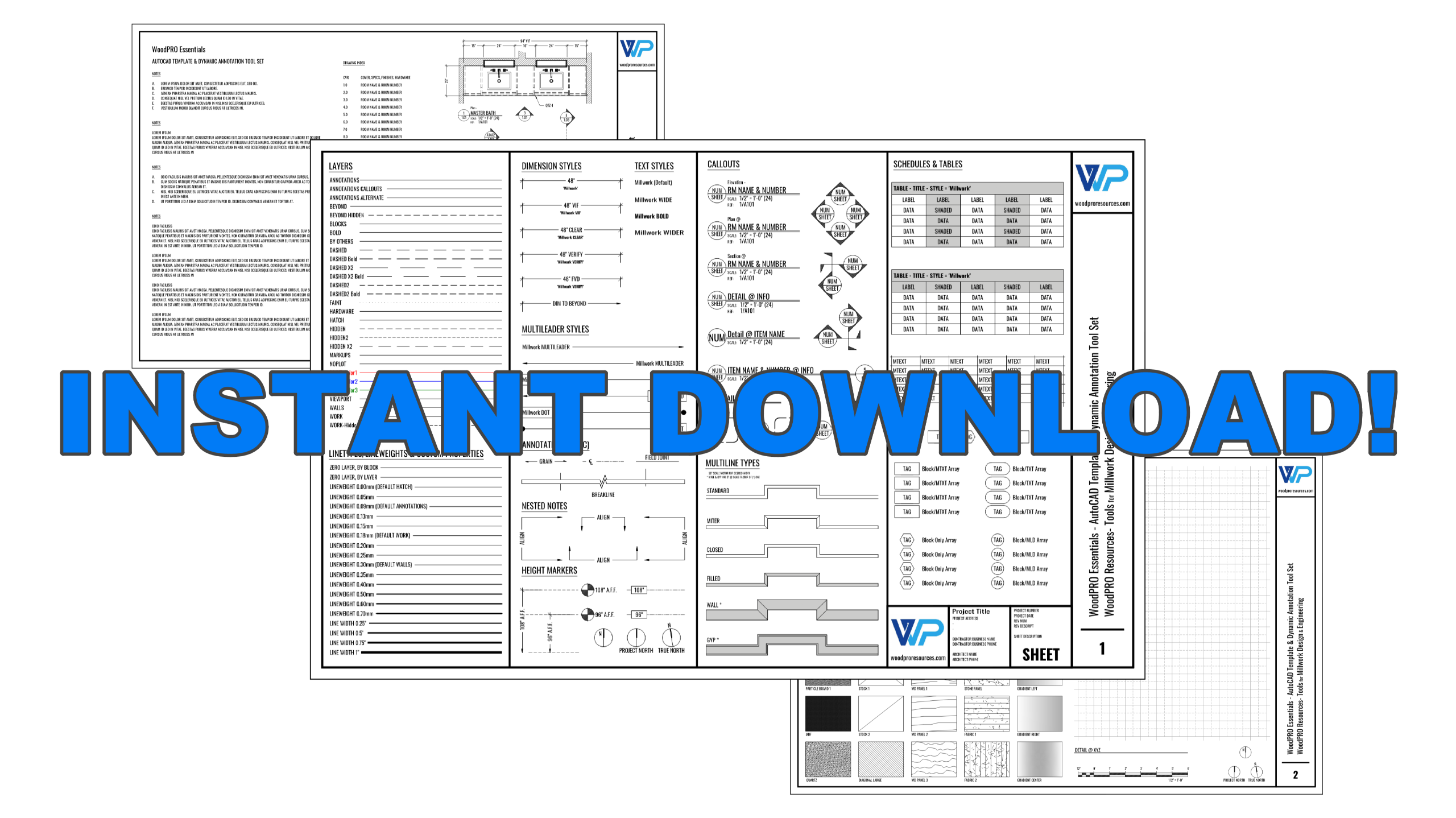
Millwork Drafting Template + PDF Instructions
Start with a better foundation
If you’ve ever wasted time fixing someone else’s messy template, this one’s for you.
Our AutoCAD drafting template was built from scratch for millwork pros — with smart blocks, clean layer logic, pre-set sheets, and the kind of details cabinet shops actually need. No overkill, no fluff. Just a solid foundation that helps you draft faster and more clearly. Comes with a straightforward PDF guide that shows you how to setup the template — no CAD degree required.
Full Template & Tool Set
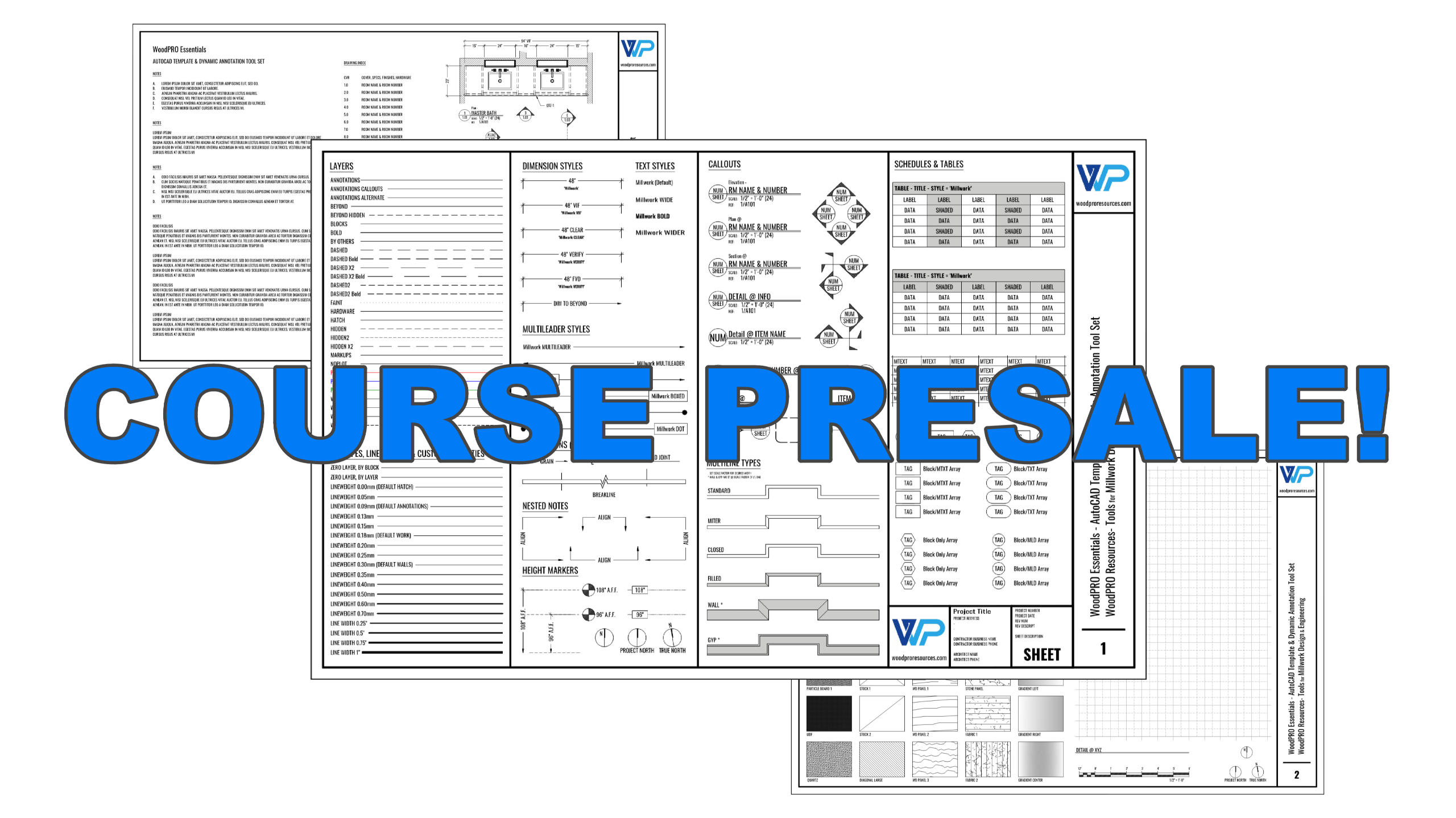
Template + Course: How to Use and Customize It
Learn the system — and make it your own
This course walks you through exactly how to use the WoodPRO template — from understanding how it’s set up to customizing it for your shop’s workflow. You’ll learn how to modify blocks, update sheet setups, adjust lineweights, and get the most out of AutoCAD without getting buried in the settings. It’s not a full drafting course. But it is the fastest way to start working smarter with tools built for millwork pros.
Full Template & Tools PLUS Video Resources & Training
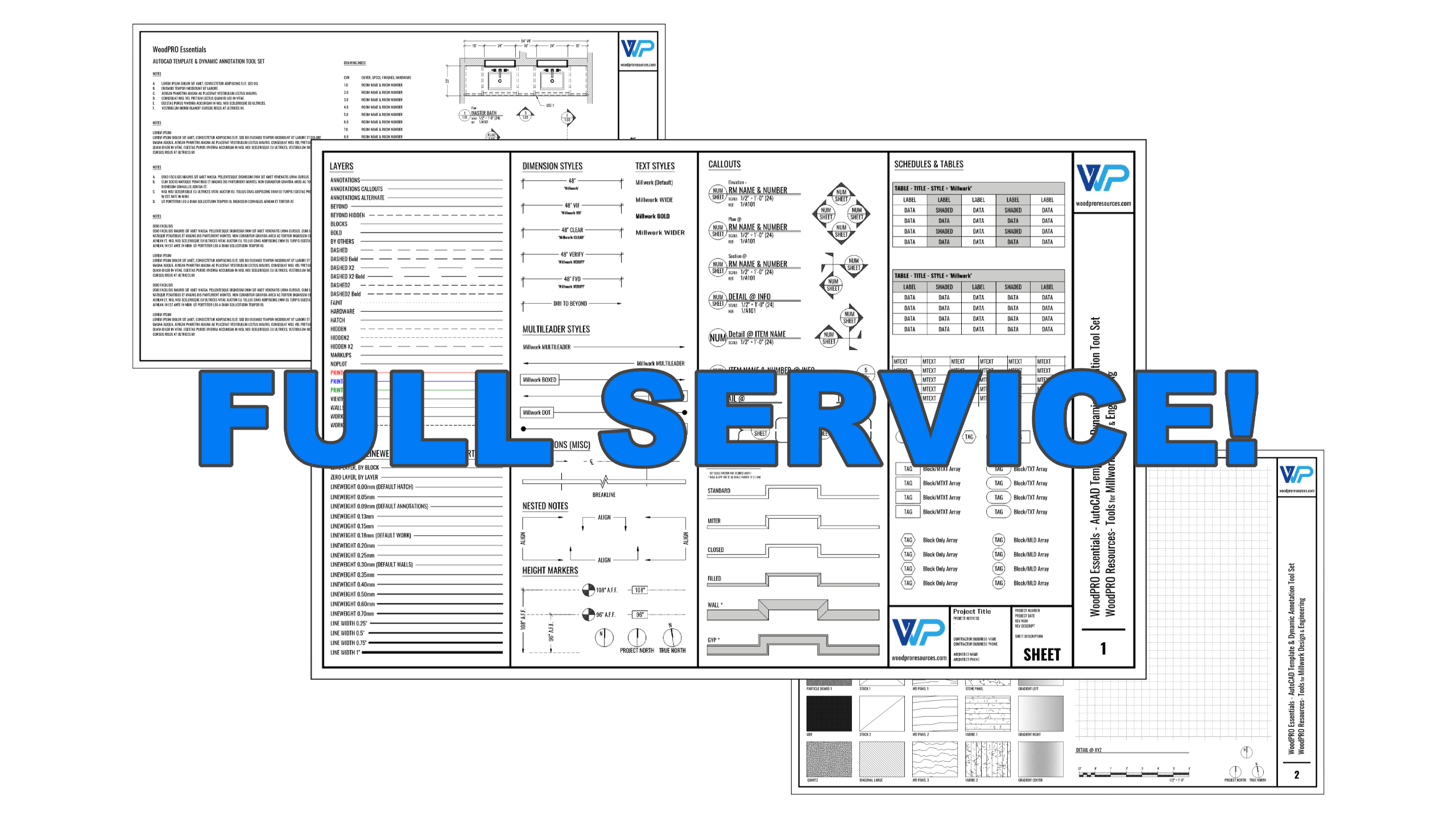
Customized WoodPRO Template — Tailored for Your Shop
Your standards, our system
We start with the proven WoodPRO Essentials template — then customize it for your shop. Send us your title block, logo, dimension styles, and any key standards you already use. We’ll plug them into the system so you get all the benefits of a clean, industry-specific template without having to rework everything yourself. It’s the fastest way to standardize your drafting setup, save time on every project, and get your team on the same page.
We Do It For You - Full Custom Setup
Almost there! Get notified when we go live, get our newsletter!
Features
Improved Workflows
* Speed & Efficiency
- Start projects faster with ready-to-use templates and assets.
- Streamline printing by generating polished, email-ready PDFs instantly.
- Convert CAD drawings to PDFs seamlessly without extra steps.
- Fit oversized work onto sheet layouts with convenient break line tools.
* Accuracy & Control
- Manage multiple annotative scales within a single layout for flexible documentation.
- Build annotation skills with confidence, producing consistent and accurate results.
- Represent and manage finished A.F.F. heights accurately with height markers.
- Apply dimension styles and strategies tailored specifically for millwork professionals.
* Professional Presentation
- Present polished drawings without needing advanced AutoCAD customizations or complex settings.
- Use professionally styled text, dimensions, leaders, and tables for consistent presentation.
- Maintain professional text standards and consistent sizing across all template elements.
* Compatibility & Flexibility
- Ensure compatibility with AutoCAD LT, BricsCAD, ZWCAD, DraftSight, and more.
- Transition smoothly between CAD and cut-listing software like Microvellum and Cabinet Vision.
- Organize cover sheets, spec pages, and project documentation with manageable tables and schedules.
- Use flexible callout blocks to organize hardware finishes cleanly and efficiently.
AutoCAD Template Features & Inventory
TEMPLATE ASSET INVENTORY (COUNT)
Anno Scale Tool Groups (13)
Cover Sheet (5)
Custom Hatches (8)
Custom Layers (30)
Custom Line Properties (20)
Custom PDF Plot Table (1)
Custom PDF Sheet Properties (1)
Customizable Logo Block (1)
Dimension Styles (5)
Dynamic Anno Tools (27)
Hatch Library (31)
Material Library (33)
Multileader Styles (3)
Sheet Layouts (Unlimited)
Table Styles (2)
Text Styles (7)
Title Block Variations (40)
Title Blocks (10)
Block Library
BLOCK NAME (DYNAMIC)
ALIGN MLeader CLUSTER (x)
CALL_DYNAMIC_LABEL (Yes)
CALL_DYNAMIC_LABEL_NUMONLY (Yes)
CALLOUT_DYN (Yes)
CALLOUTS MISC DYNAMIC (Yes)
CENTERLINE DYNAMIC (Yes)
DYNAMIC BREAKLINE (Yes)
FIELD JOINT (Yes)
GLASS HATCH (x)
GRAIN ANNO (Yes)
GRAPH PAPER DYNAMIC 12INCH (Yes)
HEIGHT-ELEVATION CLUSTER (x)
HEIGHT-ELEVATION MARKER (Yes)
NORTH MARKER (Yes)
SCALE GRAPHIC (Yes)
SCHEDULE ARRAY - MTEXT (Yes)
SCHEDULE ARRAY - SMALL TITLE BLK TXT (Yes)
TITLE BLOCK 11X17 LANDSCAPE (Yes)
TITLE BLOCK 11X17 LANDSCAPE ROTATED (Yes)
TITLE BLOCK 11X17 PORTRAIT (Yes)
TITLE BLOCK 17X22 LANDSCAPE (Yes)
TITLE BLOCK 24X36 LANDSCAPE (Yes)
TITLE BLOCK 24X36 PORTRAIT (Yes)
TITLE BLOCK 8.5X11 LANDSCAPE (Yes)
TITLE BLOCK 8.5X11 PORTRAIT (Yes)
TITLE BLOCK MINI HORIZONTAL (Yes)
TITLE BLOCK MINI VERTICAL (Yes)
Z_LOGO (Yes)
Why this exists
Coaching kept stalling at square one. Too many folks showed up with no reliable template—broken plot styles, chaotic layers, nothing we could build on. To make even a simple session productive, I had to provide a clean baseline first. That baseline became WoodPRO Essentials. It’s not a nice extra; it’s the starting point—clean plotting, sane layers, a ready title block—so we can skip the rescue work and get straight to drafting and problem-solving.
Because good training needs a stable platform, Essentials is a prerequisite for my coaching. Buy it once for less friction, better drawings, faster wins.
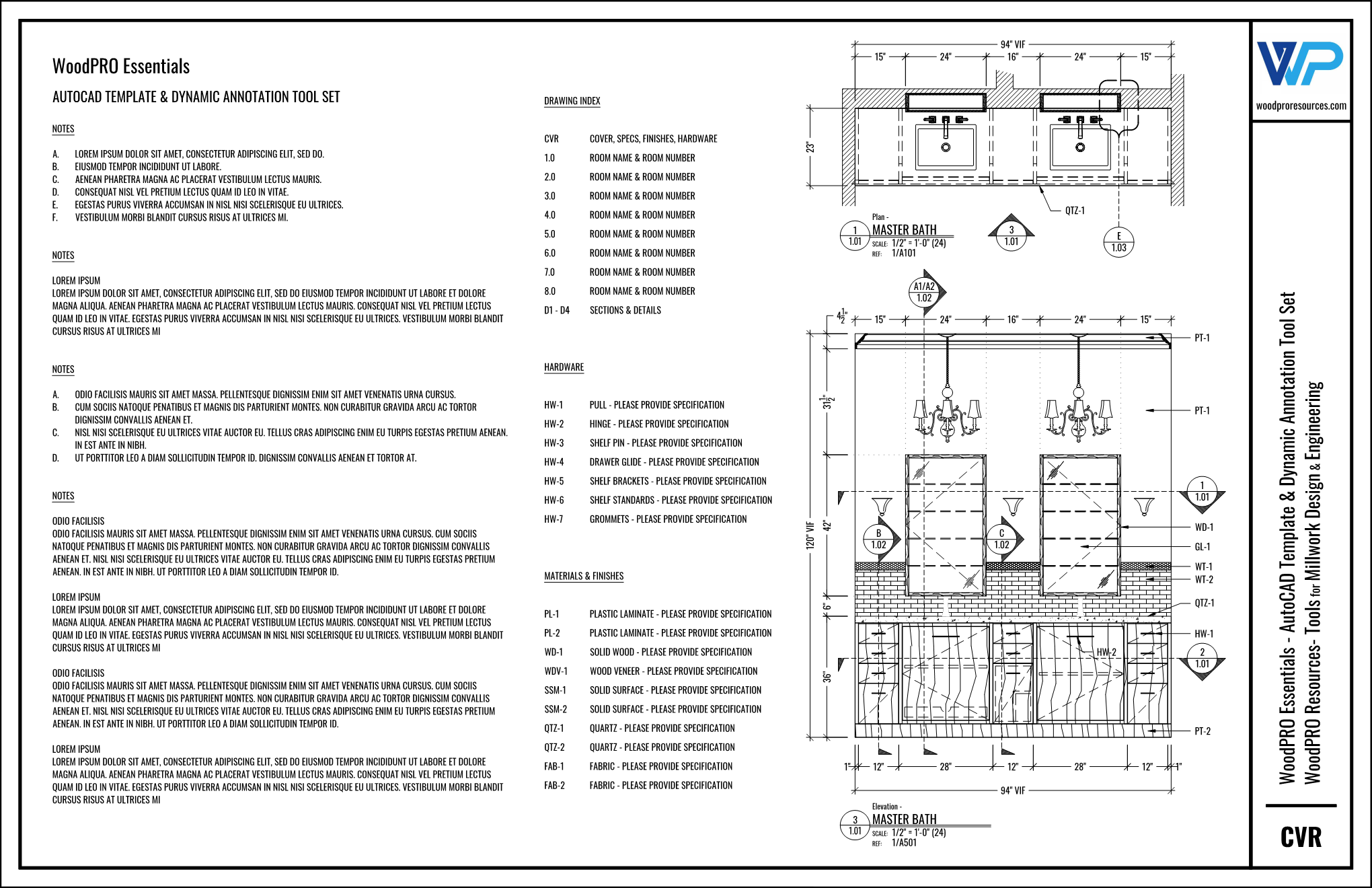
Efficiency Boost
WoodPRO Essentials streamlines your workflow, saving you time and effort.
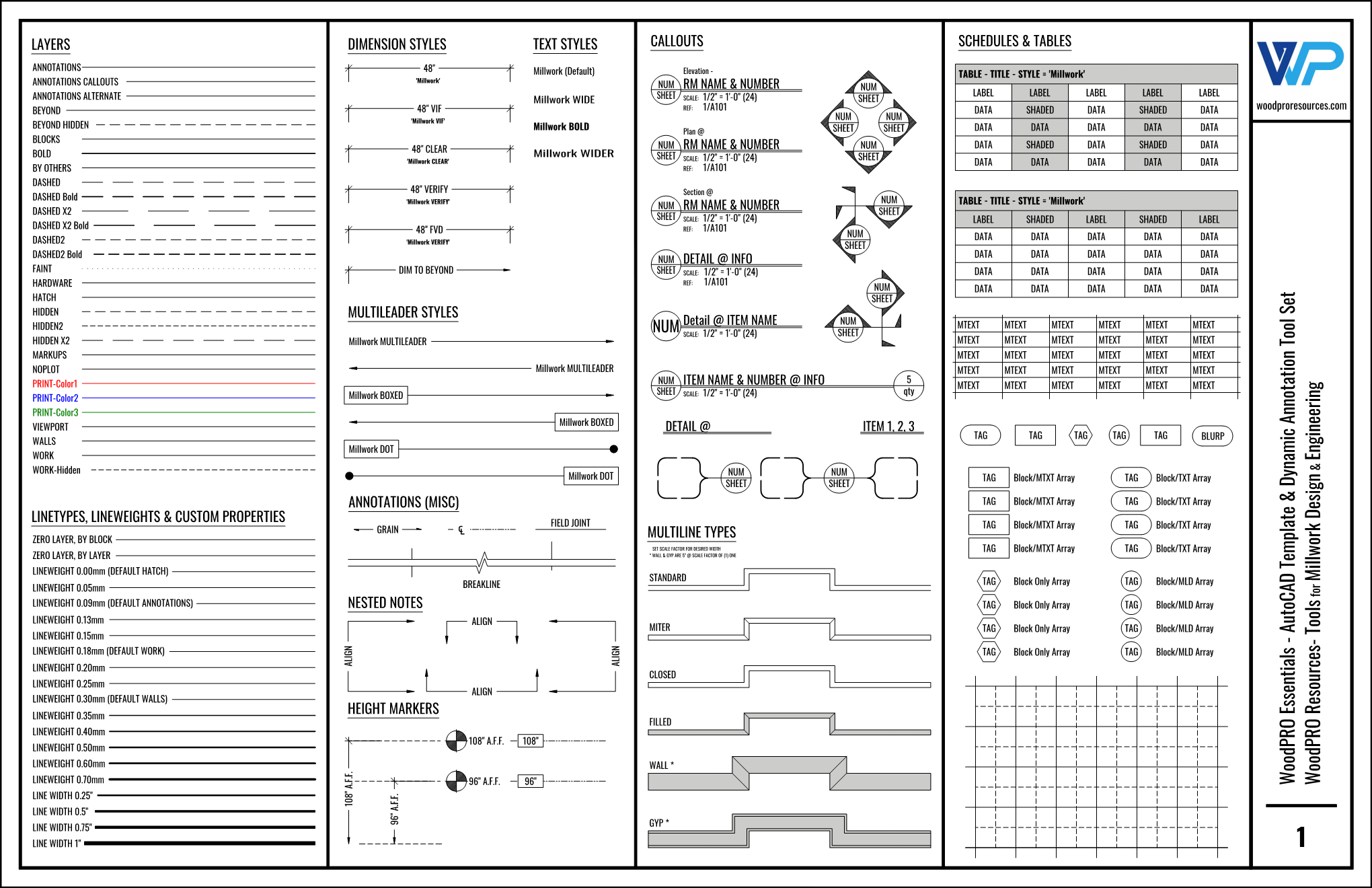
Quality Output
Achieve professional-quality results without needing advanced CAD expertise.
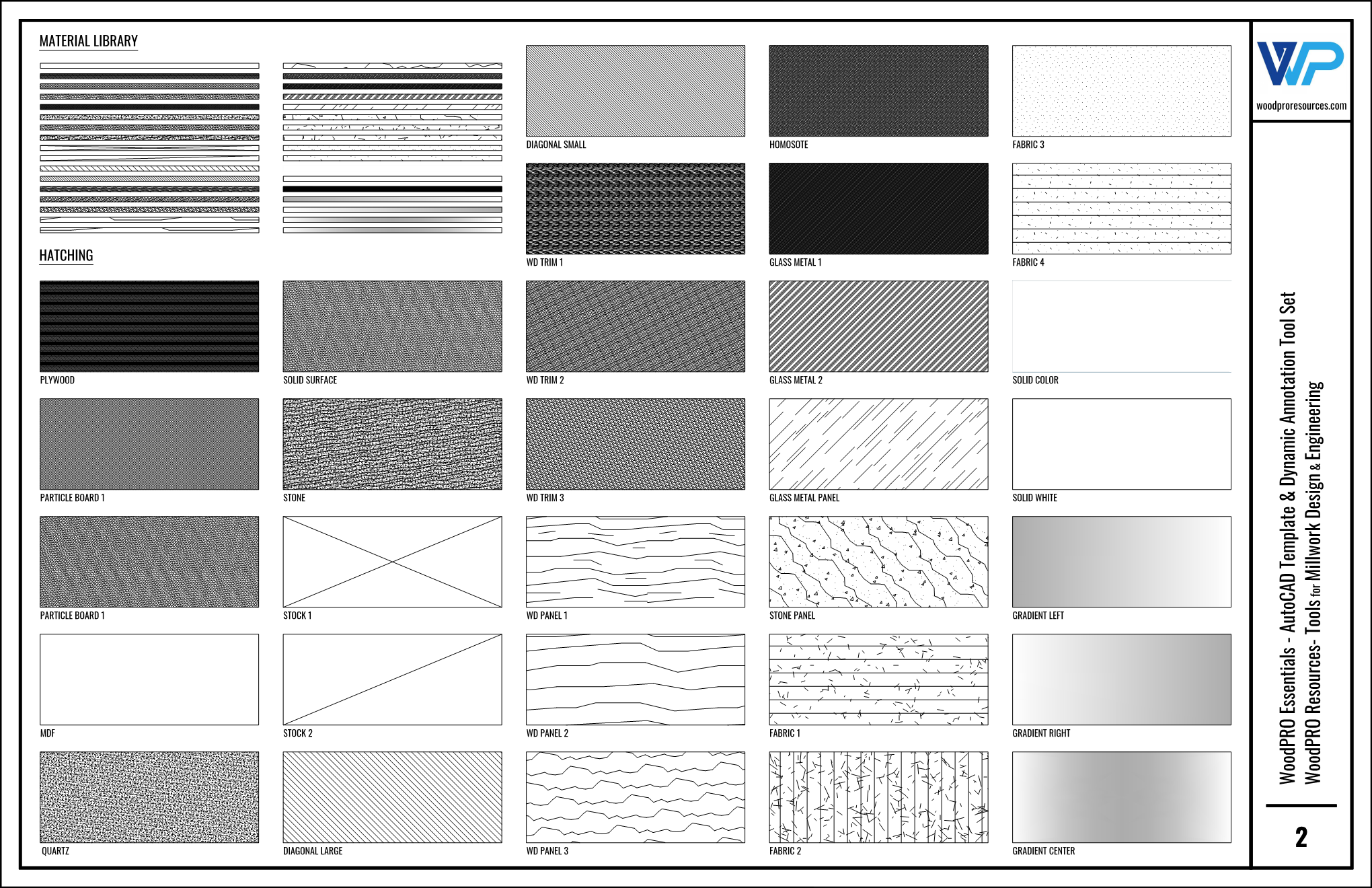
Customizable Tools
Tailor your title blocks and drafting tools to suit your unique needs.
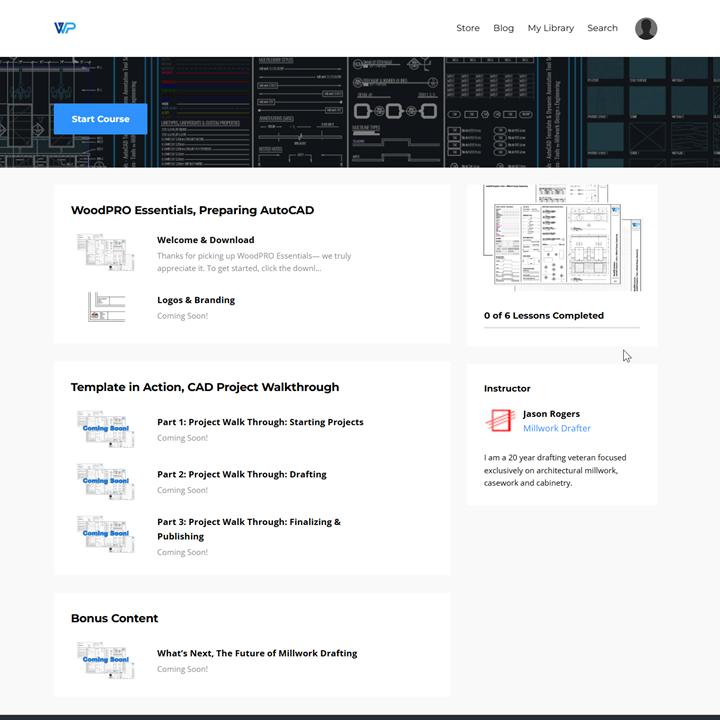
Course Outline
FAQ
What does the WoodPRO Essentials package include?
Do I need advanced CAD skills to use WoodPRO Essentials?
How can WoodPRO Essentials improve my workflow?
Do you have refund policy?
Get the FREE WoodPRO SpeedBlock (Starter Edition)
Draft faster today. Drop your email, get the block, and we'll send you a private page with quick tutorials and next steps.
Build Smarter. Draft Faster.
Unlock the free WoodPRO SpeedBlock (Starter Edition)—your shortcut to quicker, cleaner drafting.
No SPAM. Unsubscribe anytime. We'll email the download link and private tutorial page.
